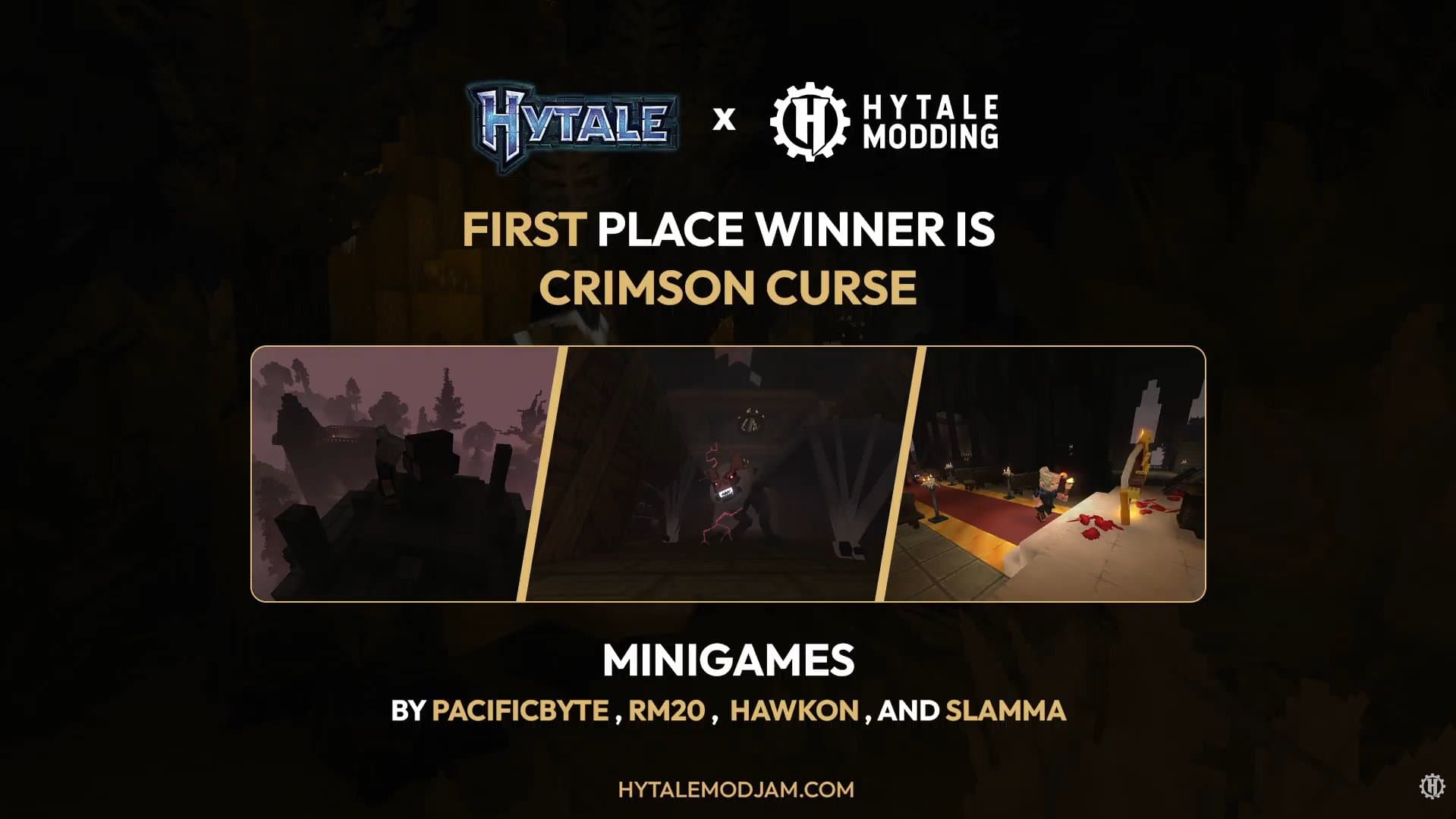
1st Place Winner: Hytale Modding Contest (Horror Minigame Category)
Overview
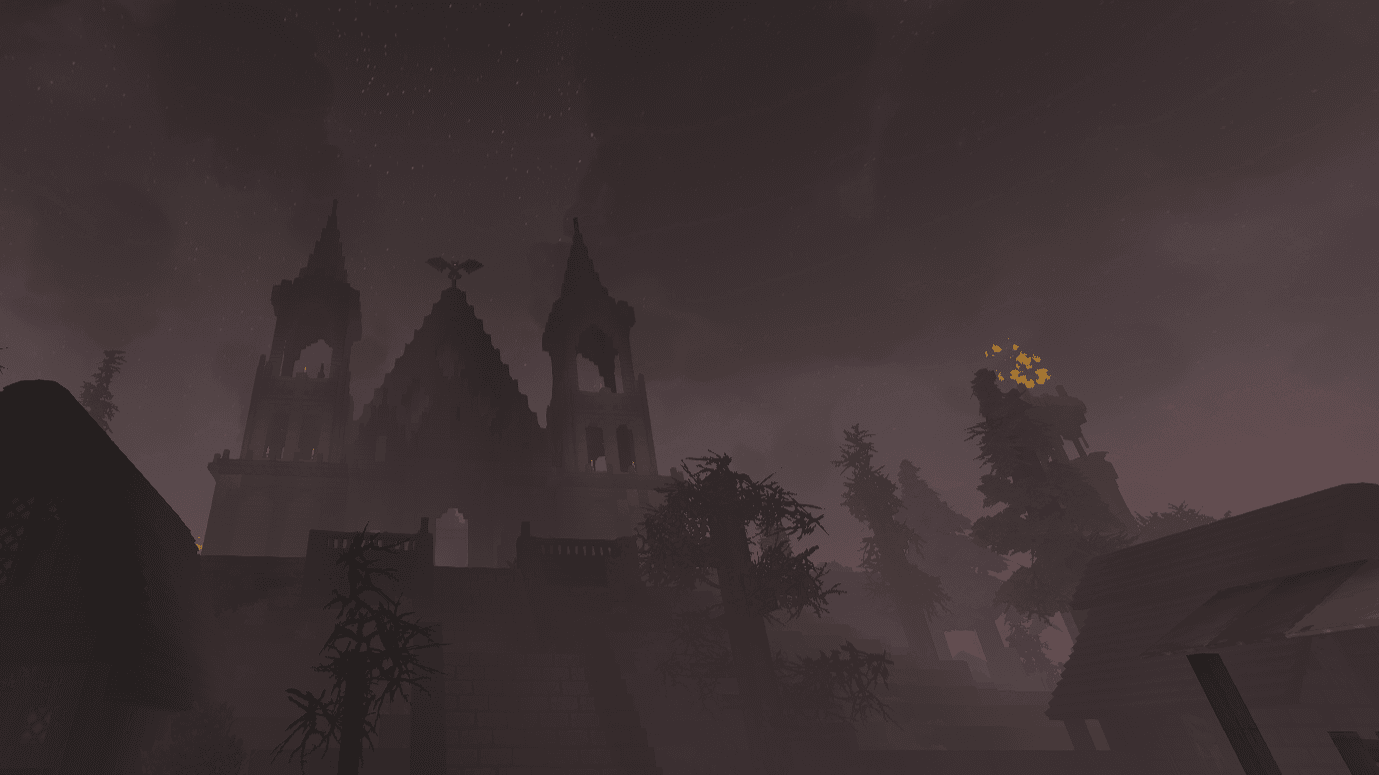
Crimson Curse is an award-winning, 2–10 player asymmetric survival-horror minigame built in Java for Hytale. At the start of each 20-minute match, roles are randomly distributed (approximately one vampire per four players), pitting a team of survivors tasked with gathering firewood and lighting village beacons against evolving vampire predators.
Developed in a four-person team, PacifictByte and I co-engineered the Java gameplay architecture and server systems, while Hawkon and Slamma produced the custom 3D models, animations, audio, music, and level design.
Tools & Technologies: Java, Hytale Server & Component API, Custom HUD/UI Systems, Git
Gameplay Trailer
My Technical Contributions & Granular Systems
While collaborating on the overarching match loop, I individually owned and engineered the following systems:
1. Survivor Arsenal & Tactical Item Logic
I programmed the item behaviors, cooldown states, and combat balance for the survivor defensive toolkit:
- Lantern: Area-of-effect blinding flash and knockback impulse to repel pursuing vampires.
- Crossbow: Ranged projectile logic that applies movement-slow debuffs to struck vampires.
- Shield: Defensive damage-mitigation state designed to extend survivor longevity during chases.
- Bandages: Channeled consumable logic for restoring survivor health after escaping engagements.
2. Custom Survivor HUD Overlays
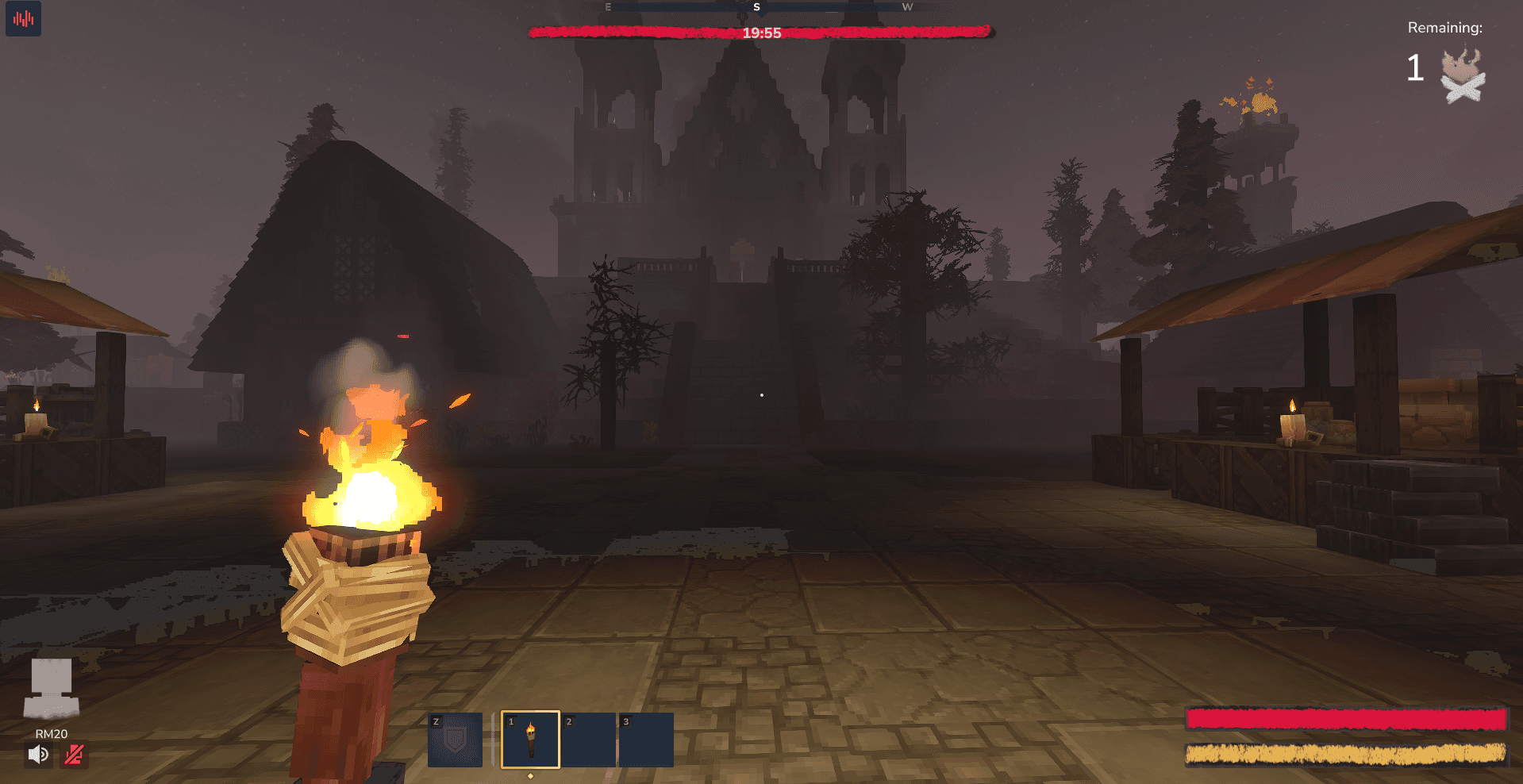
- Designed and coded the custom on-screen survivor HUD overlays to display restricted hotbar slots, active item states, and match telemetry clearly during low-visibility gameplay.
3. Dynamic Torch Extinguish & Rekindling Loop
- Engineered an event-driven inventory listener that automatically extinguishes the survivor's torch whenever they switch to another hotbar item, forcing players to locate environmental fire sources to relight their torch and maintain visibility.
4. In-Game Match Configuration UI
- Built an interactive in-game configuration window allowing lobby hosts to customize match timers, role ratios, and gameplay modifiers prior to match start.
5. Engine-Level Inventory Crash Diagnostics & Workarounds
One of the most critical technical challenges involved restricting the standard Hytale player inventory down to a small set of active hotbar slots. Calling standard capacity-reduction methods triggered repeatable client and server crashes.
public void restrictToHotbar(Store<EntityStore> store, Ref<EntityStore> playerRef, int slots) {
    List<ItemStack> overflowItems = new ArrayList<>();
    // Collapse main storage capacity to zero
    InventoryComponent.Storage storageComponent = store.getComponent(
        playerRef,
        InventoryComponent.Storage.getComponentType()
    );

    if (storageComponent != null) {
        storageComponent.ensureCapacity((short) 0, overflowItems);
        storageComponent.markDirty();
    }
    // Constrain active hotbar capacity to target slot count
    InventoryComponent.Hotbar hotbarComponent = store.getComponent(
        playerRef,
        InventoryComponent.Hotbar.getComponentType()
    );

    if (hotbarComponent != null) {
        hotbarComponent.ensureCapacity((short) slots, overflowItems);
        hotbarComponent.markDirty();
    }
}
Through systematic debugging of the Hytale entity component store, I isolated four undocumented engine flaws and implemented defensive workarounds:
- Out-of-Bounds Selected Slot Crash: If a player held slot 5 when hotbar capacity was reduced to 3, the client crashed immediately. I implemented pre-restriction slot resetting to force the active index within bounds before resizing.
- Weapon Marker Serialization Crash: Items flagged with native weapon markers caused engine crashes inside restricted hotbars; I restructured survivor tools as custom non-weapon interactive items.
- Number-Row Input Desynchronization: Pressing keyboard keys
4–9on a 3-slot hotbar bypassed client validation and desynchronized client-server state. I added server-side packet validation to clamp slot selection events. - World Interaction State Crashes: Specific block interactions under zero-storage states threw null-reference exceptions, which I resolved by intercepting interaction events prior to inventory overflow checks.
Core Game Loop Overview
Survivors: Light the Beacons
Survivors search the village (where higher-tier loot spawns further from safety) to gather firewood and light beacons. Eliminated survivors drop their inventory in-place and transition to spectator mode.
| Item | Tactical Utility |
|---|---|
| Lantern | Blinds and pushes vampires away. |
| Crossbow | Fires darts that slow vampires. |
| Shield | Mitigates incoming damage during chases. |
| Bandages | Consumable item used to recover lost health. |
Vampires: Escalating Predator Phases
Vampires hunt survivors to prevent beacon activation, unlocking three progressive power stages as the curse intensifies:
- Stage 1: Elevated movement speed and traversal mobility.
- Stage 2: Ability to shatter marked structural walls and destroy survivor hiding spots.
- Stage 3: Supernatural proximity sensing to detect nearby survivors through obstacles.
Direct Impact
- 1st Place Contest Victory: Awarded 1st Place in the Horror Minigame Category of the Hytale Modding Contest.
- Crash-Free Multiplayer Stability: Resolving the underlying Hytale hotbar and inventory crashes enabled stable 10-player lobbies and preserved the core resource-limitation horror design.
The Team
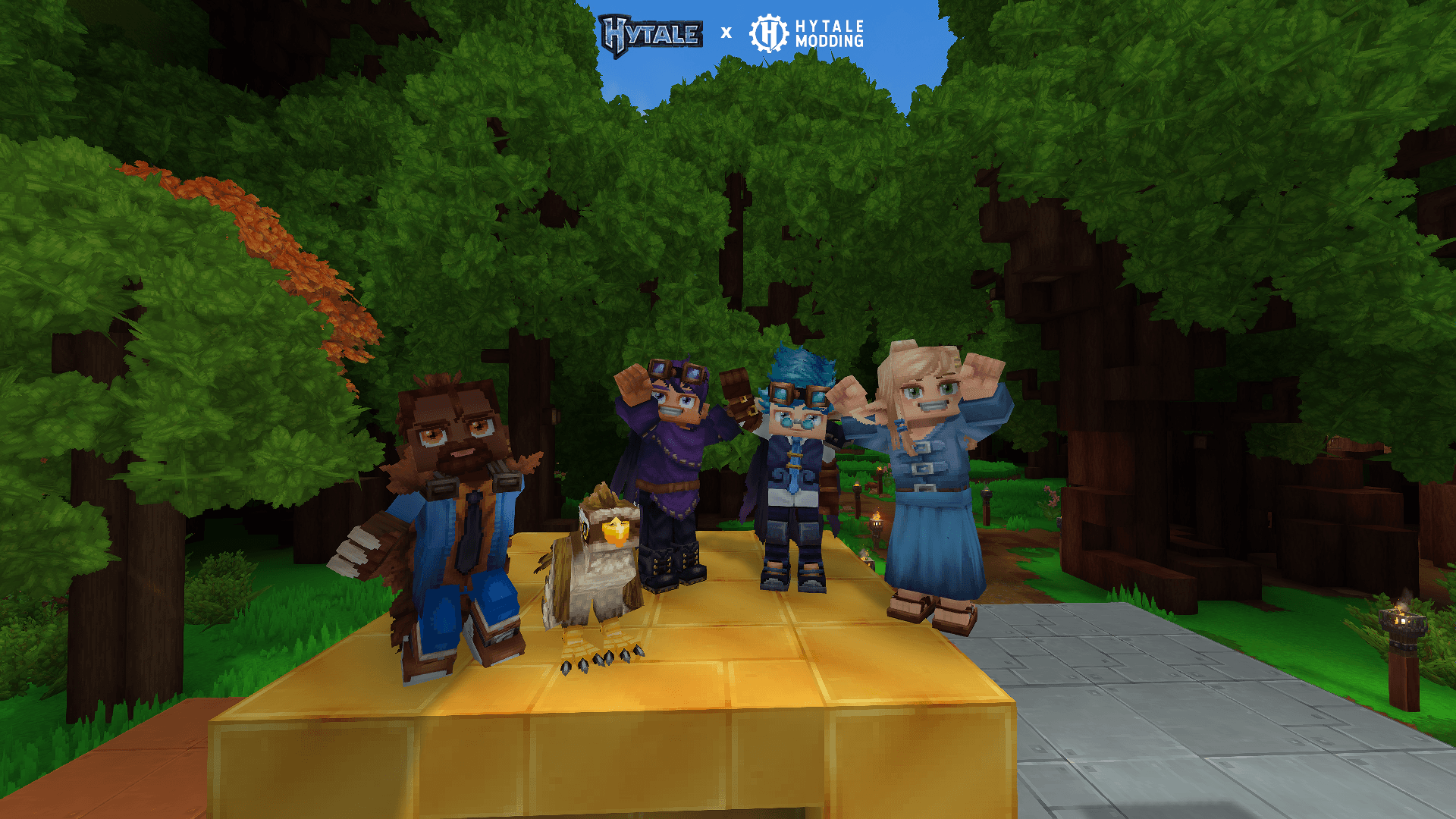
- RM20: Gameplay Programmer & UI Systems
- PacifictByte: Gameplay & Backend Architecture
- Hawkon: Art, Models & Level Design
- Slamma: Audio, Music & Animation